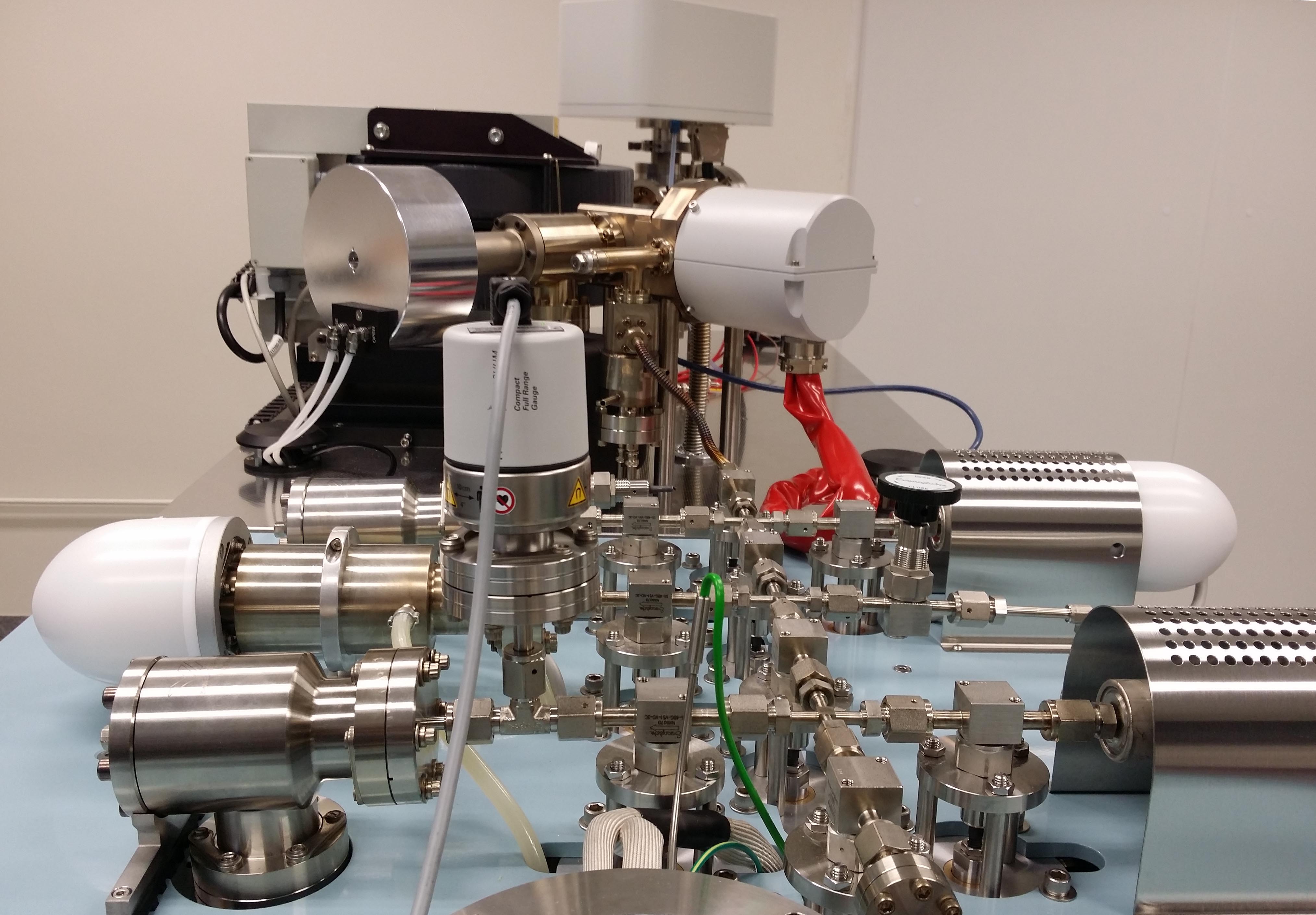
One part of the robotic dual furnace gas extraction line developed by Associate Professor Marnie Forster while directing the argon laboratory at the Australian National University. This facility produced data using temperature-controlled furnace-step-heating.
ArgonXML allows data from the data tables produced by any argon geochronology laboratory to be reproduced in a standard XML format
To use the program, open a data file produced by the argon geochronology laboratory in question. Select individual columns of data, and paste them into the left hand text field. These data can then be processed and output in standard ArgonXML format.
A dataset to get you going
Download the zipped file here unzip and use the columns in the textfile to build an ArgonXML file.
A hint from a satisfied user
Where possible convert the lab data table into an Excel file. It makes it easier to select columns of data.
The use of ArgonXML formatted datafiles with the Wunderkind and MacArgon programs
For the moment, first IMPORT your ArgonXML file using the eArgon program. Then EXPORT an ArgonXML tagged document suitable for use by the Wunderkind program, or an ArgonXML tagged document suitable for use by the MacArgon program. If a .wunderkind or .macargon document is double clicked it will open the program that 'owns' such a datafile.